You need a pin code when you want to connect a personal card to your HANaccount.
- Click on the
 button in the upper right corner to go to your account settings.
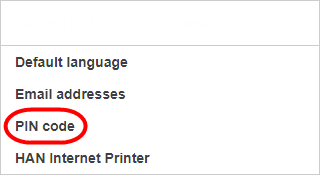
 - Choose [PIN code].
- Click on [Request new PIN code].
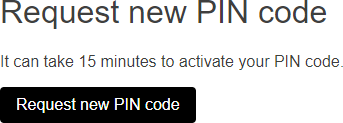
Your PIN code is displayed immediately and is also sent to your email address.
Attention: it can take about 15 minutes to activate your PIN code.