- Go to the print portal and log in.
- Click on the
 button in the upper right corner to go to your account settings.
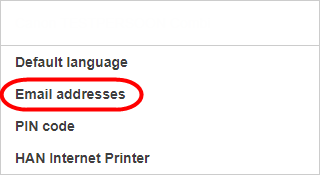
 - Choose [Email addresses].
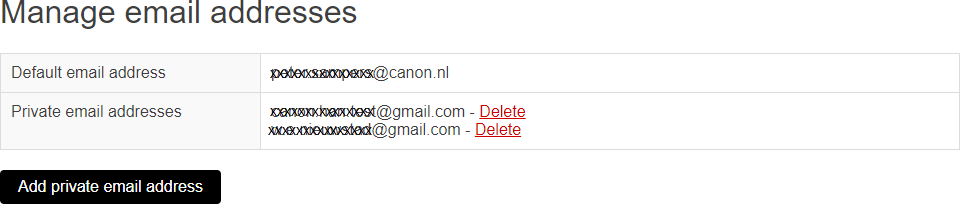
- Click on [Add private email address].
- From your private email address send an email to print@han.nl and attach the documents that you want to print. You can attach Microsoft Office documents and PDF documents. The documents are automatically converted into print files.
Important: you can adjust the print settings via [Options] on the user panel of the Canon printer. -
You can now pick up your prints at any Canon printer.