After you have finished printing, copying or scanning, you have to log out of the printer. This is to prevent someone else from copying at your expense, or printing the print jobs that may still be in your print queue at your expense.
ATTENTION! For security reasons you will be logged out automatically after 5 minutes and all your print jobs will be deleted.
There are three ways to log out:
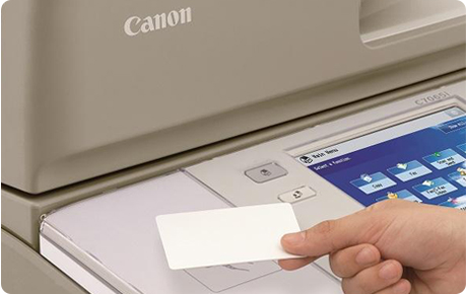
- Put your card on the card reader next to the user panel and wait until you hear a beep sound.
- At the bottom right corner of the display tap on [Log Out].

- Press the ID button.
