When you forgot your card, or you don't have a suitable card, you can also log in to a printer with a PIN code.
Request a PIN code
- At the HANCard portal click on the
 button in the upper right corner to go to your account settings.
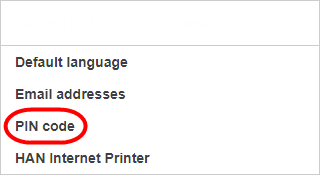
 - Choose [PIN code].
- Click on [Request new PIN code].
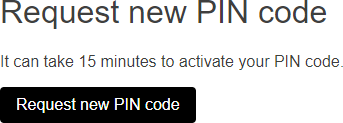
Your PIN code is displayed immediately and is also sent to your email address.
Attention: it can take about 15 minutes to activate your PIN code.
Log in with a PIN code
- Tap on [PIN code].

- Enter your PIN code and tap on [Login].

-
As soon as you are logged in the main screen appears.
